MR. I THE SCIENCE GUY - Find out things you need for Mr. I's Science Class

You will find all you need for your science class here. Use the Tags link to find the posting that are relevant to your class only.

SCIENCE 8 ROCKS! - Find Resources for your class here

We learn about cells, body systems, matter and mixture this year

SCIENCE 7 RULES! - Find Resources for your class here

Post your work for all to see here if you like. Use this website to showcase to your friends and family what you can do.

OPTION DAYS - Participate in Exciting multi-day activities

Activities like hiking, camping, backpacking, canoeing and climbing are typical offerings that I provide during option days. See what's coming this year!

ABOUT ME

Learn a little more about your Teacher Mr. I the Science Guy! Find out about my hobbies and interests

Monday, March 7, 2016

Science 8: Week 25 - Light, Colour and the Human Eye

Today we are:  Learning about Density
I will: define density and differentiate matter based on this property
I can: define density
I can: differentiate between very dense and not dense matter
I can: calculate density, mass and volume using the formula.


1.  Let's see what we understand about density.  We will define density and look at the variables related to it.  We will do some practice work related to determining density and the Triangle of Truth.

2.  We will look at a density tower and mention how we will try to do it Friday.  I will assign groups and you will need to bring some stuff to make your own.

3.  To learn about Density some more, you can watch this video or an example of a density tower here.  You also might remember A Story of Archimedes and the Gold Crown.

4.  Complete the Socrative questions.  You can find a link on Google Classroom.

Science 7: Week 25 - Forces and Bridges

This week we are: Working on Density and Buoyancy
I will be able to calculate density values and explain buoyancy
I can: calculate any value from the density equation
I can: explain density and buoyancy 


Monday
1.  Check work on Density calculations.
2.  Activity - Density Calculations on Socrative
3.  Demo - density tower.


Tuesday
1.  Density Tower Lab Activity.


Wednesday
1. Lesson on Buoyancy

Thursday
1. Elephant Toothpaste
2. Exam Review

Friday

1.  Flex Friday

Coding: Programming Android

Introduction:  To program in Android, we will be using the MIT App Inventor program.  Below is a link to the 6 Modules we will be doing to learn the program.
  • Introduction 
  • Build Drawing and Animated Games 
  • Build Texting and Location-Aware Apps 
  • Build Quizzes and Informational Apps Define Procedures to Create New Blocks 
  • Build Apps with User-Generated Data 
  • Build Web-Enabled Apps

Lets Learn about this Program.


The Link to the Course is HERE

Tuesday, February 23, 2016

Brick Animation 08: Lighting, Action!

Today we are: learning how to use the basic 3 light system
I will: learn how use 3 lights to create a well balanced, lighted set.
I can: using 2 slights and a paper to create a 3 light system.


Lighting is important in making a good film.  Here is a quick tutorial.


1.  Setup 2 different lights to create the two light system.
2.  Add a paper sheet to reflect your third light.
3.  Film anything for 5 -10 seconds and attempt to get "clean" lighting, with no shadows or flickering.

PROJECT: 5 - 10 seconds of filming no flickering or shadowing from group members.

Monday, February 8, 2016

Brick Animation 07: Dialogue and Conversation

Today we are: Learning how to do a conversation.
I will: create a scene where two LEGO figures talk.
I can: select a camera angle to use
I can: alternate shot views to match the conversation.
I can: share the completed project with Mr. Iwaasa


Today we are learning how to use dialogue to extend our filming and build interest in our story.

While this is not Brick Animation it highlights some key ideas.


Watch this clip and watch how simple the filming is for the conversation between the robot and the main character.


Remember that you can use different camera angles to create interest and excitement.


1.  Pick simple scene to shoot
2.  film a dialogue between two characters.
3.  Shoot your scene,using at least 2 angles.
4.  Add effects and voices.
5.  Upload your movie so Mr. I can share your work.
6.  Good Luck!

PROJECT: 20 - 30 seconds of filming with at least 2 angles used.

Thursday, February 4, 2016

Coding Stage 2: Super Scratch Programming Adventure!


Log back in to your account here.


You will need a file to complete stage 2.  You can find it here.


When done, complete this survey


or

This survey if you are doing an alternative project.


Wednesday, February 3, 2016

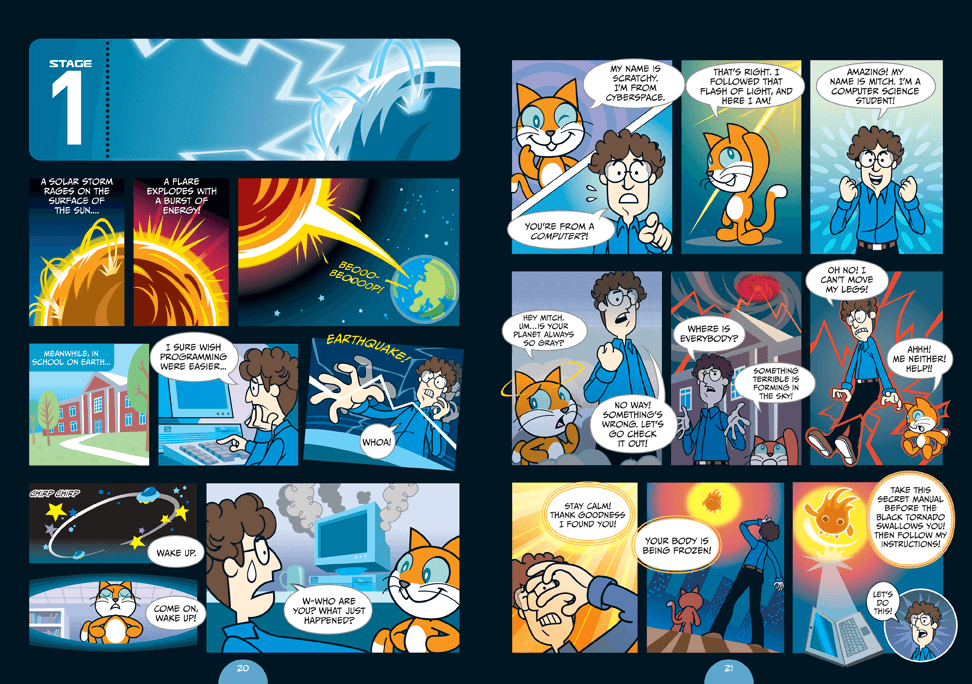
Coding Stage 1: Super Scratch Programming Adventure!

Scratch is the wildly popular ­educational programming language used by ­millions of first-time learners in classrooms and homes worldwide. By dragging ­together colorful blocks of code, You can learn computer programming concepts and make cool games and animations. 

The latest version, Scratch 2, brings the language right into your web browser, with no need to download software.

Please create an account at scratch here.


Have a look around and see what you can do.

READY?!?!

Let's begin.  Start with Stage 1


Now that you are done.  Complete this survey